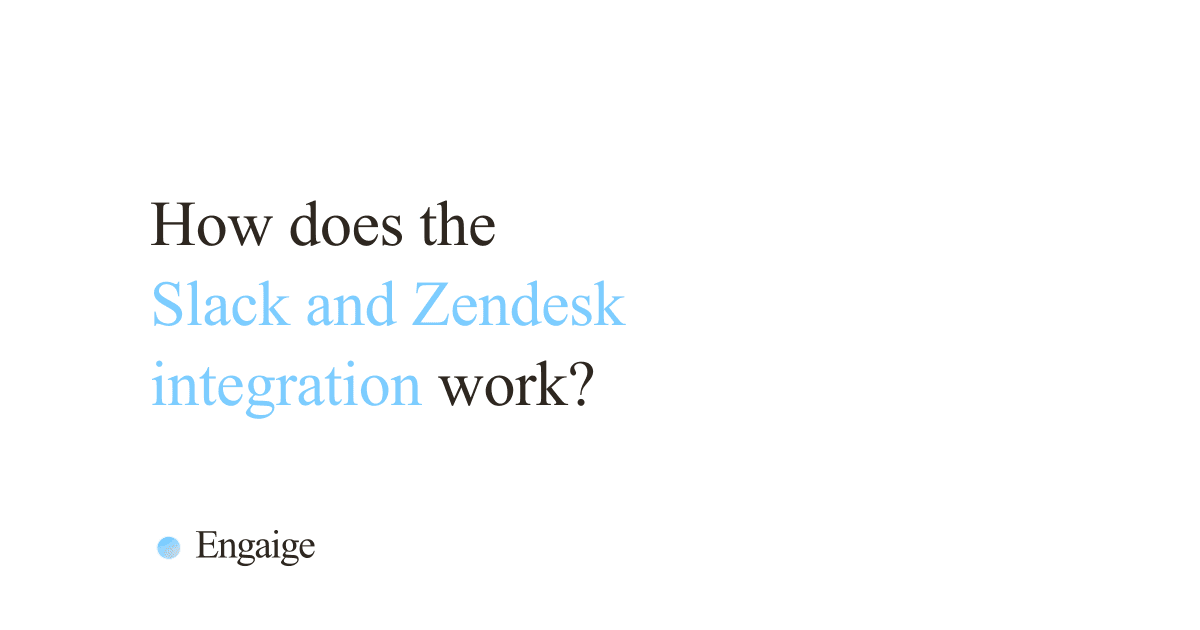
A HubSpot knowledge base is the help-article library in HubSpot Service Hub, available on the Professional and Enterprise plans, not Free or Starter. Customers search it for self-service, and Breeze Customer Agent answers from its articles alongside website pages, files and public URLs. It holds a store’s policies well. Order questions need live data from the store.
If you came for HubSpot’s own help articles, that site is also titled “HubSpot Knowledge Base” and lives at knowledge.hubspot.com. This guide is about the one you build in Service Hub, written for a store’s support lead. Facts come from HubSpot’s public pages and docs, read on 16 October 2026. Our view in one line: a knowledge base holds your policy, not your orders. It is one layer of an e-commerce helpdesk.
What is a HubSpot knowledge base?
A HubSpot knowledge base is the library of help articles you publish from Service Hub on your own domain, so customers can answer their own questions. It is also a source Breeze Customer Agent reads when it replies. Think returns policy, shipping times and sizing guidance, written once and searchable.
HubSpot’s knowledge base page lists multilingual articles, search optimisation, analytics by language and region, a reporting dashboard and writing help from Breeze Assistant. Its headline claim is that it increases ticket close rates, without a figure.
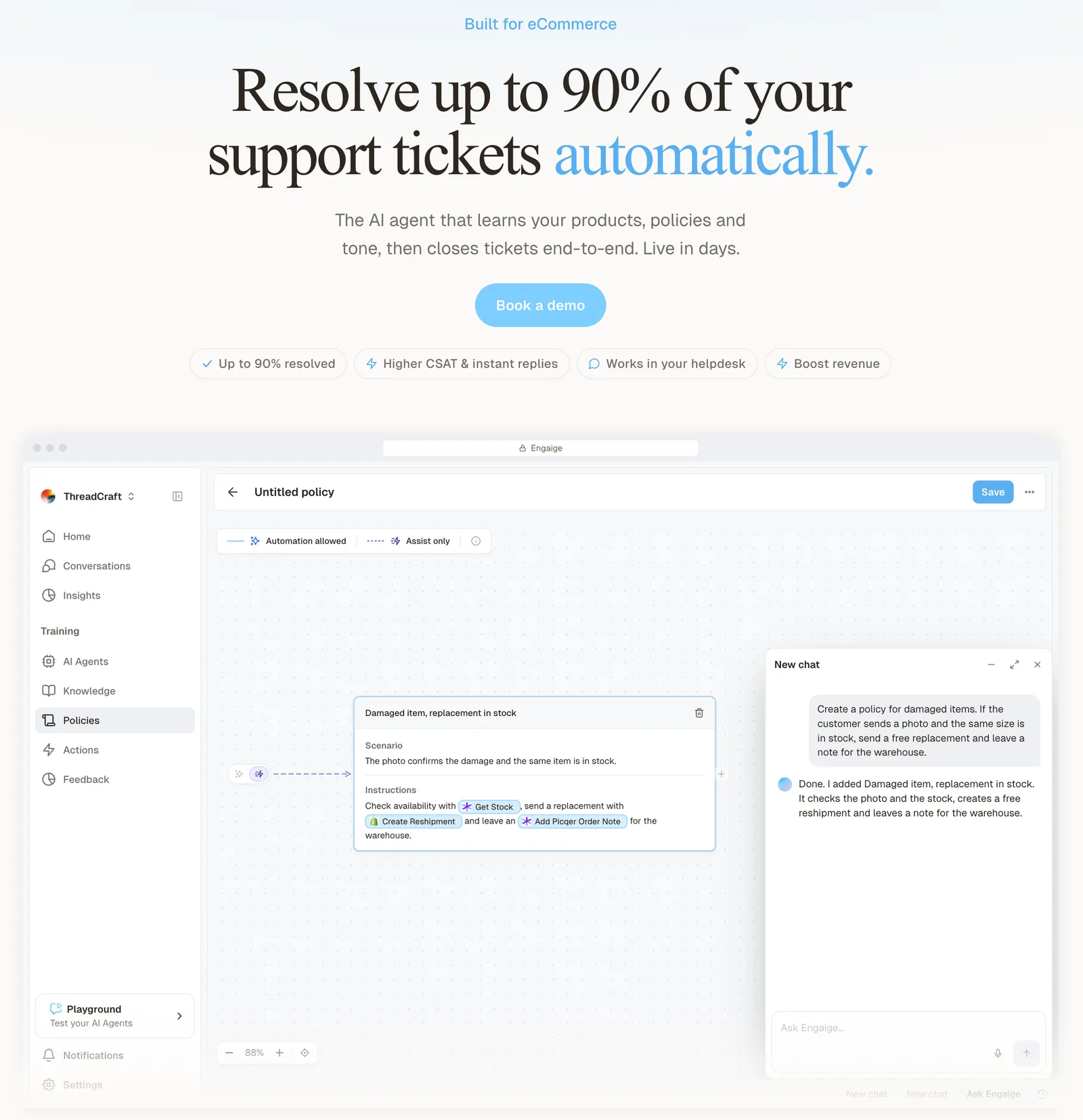
There are limits. Per HubSpot’s setup doc, updated 11 March 2026, Professional accounts get one knowledge base with up to 2,000 articles. Enterprise gets up to 25 knowledge bases and up to 10,000 articles. For a short list of questions rather than a full library, see our FAQ page comparison.
Which HubSpot plans include the knowledge base?
Service Hub Professional and Enterprise include the knowledge base. HubSpot says it is not available in the Free or Starter editions. Customer Agent needs Professional or Enterprise of any hub, and Knowledge Base Agent is included with Service Hub Professional and Enterprise, as of October 2026.
| Service Hub plan | Knowledge base | Customer Agent | Knowledge Base Agent (public beta) |
|---|---|---|---|
| Free | No | Needs Professional or Enterprise of any hub | No |
| Starter | No | Needs Professional or Enterprise of any hub | No |
| Professional | 1 knowledge base, up to 2,000 articles | Yes, with HubSpot Credits | Yes |
| Enterprise | Up to 25 knowledge bases, up to 10,000 articles | Yes, with HubSpot Credits | Yes |
Usage pricing, stated as HubSpot publishes it in October 2026: Customer Agent costs $0.50 per resolved conversation since 14 April 2026, and the agent page costs $2 per generated article. Seat prices are on HubSpot’s pricing page.
How do you set up a HubSpot knowledge base for an online store?
Sort your tickets first, create the knowledge base second, write one question per article third, then connect it to Customer Agent and test with real questions before go-live. The order matters: only some of your ticket mix belongs in articles, and the rest never will.
- Sort the ticket mix. Split it into policy (returns window, shipping times, sizing), catalogue (specs, stock, price in a market) and order state (where is my order, can I cancel, is my return eligible). Only the first belongs in articles.
- Create the knowledge base. In Service > Knowledge Base, enter a title, choose the article language, choose the hosting domain and set a URL slug. You need a Service Hub seat and Super Admin or knowledge base settings permission.
- Write one question per article. State the policy and its conditions explicitly. HubSpot’s own best practice: cover common user queries, keep information up to date, and use clear headers, bullet points and simple language.
- Connect it to Customer Agent. You can sync knowledge base articles and website pages from HubSpot, upload files such as PDFs, or import public URLs (HubSpot’s sources doc says a crawl covers up to 5,000 URLs). Edits to synced articles re-sync automatically, while other sources re-sync weekly, so a changed returns page can lag.
- Test before go-live. Use Preview with real questions from your inbox. HubSpot’s Fall 2026 Spotlight also lists batch testing against real questions.
- Optionally switch on Knowledge Base Agent, covered below.
How does Breeze Customer Agent use your knowledge base?
Breeze Customer Agent answers from your knowledge base articles plus website pages, help docs, PDFs and external URLs, on website chat, email, WhatsApp, Facebook Messenger or voice (public beta). You configure what it answers and when it hands off to a person. It is HubSpot’s agent behind the “hubspot customer agent” searches.
It does more than quote articles. HubSpot’s docs say the agent can also perform tasks using your external apps, such as checking an order status. You build an action from a template in the actions library, or configure an API call with an endpoint URL, a GET or POST method and authentication. HubSpot’s actions doc names no app, Shopify included, so check whether your actions library has a Shopify order template, or plan to configure an API call yourself.
HubSpot says Customer Agent resolves 65% of conversations and cuts resolution time by 39%, across more than 8,000 customers who have activated it, per its announcement. That is a vendor-stated figure as of October 2026, and HubSpot’s announcement does not define a resolved conversation.
What is the HubSpot Knowledge Base Agent?
The Knowledge Base Agent is a Breeze agent, in public beta as of October 2026, that drafts new articles from conversation data on closed tickets and suggests edits to existing ones. You review every draft before it is saved or published.
Per HubSpot’s setup doc, you need Service Hub Professional or Enterprise, Customer conversation data switched on by a Super Admin, at least five closed tickets and an existing knowledge base. Drafts arrive in the knowledge base’s primary language. HubSpot’s product page says it uses knowledge base gaps that Customer Agent identifies.
Our view: this improves the content layer, which helps policy questions. It does not put the state of an order into an article.
What can a HubSpot knowledge base not answer for an online store?
An article holds policy, not the state of a specific order. Any question about one customer’s order needs live store data at the moment of asking. A knowledge base cannot answer where this parcel is, or whether this order can still be changed, however well the articles are written.
| Ticket type | Can an article answer it? | What it needs |
|---|---|---|
| Where is my order (WISMO) | No | Carrier and fulfilment state |
| Is my return eligible? | Only the rule | The order date against your returns window |
| Cancel or change an address | Only the rule | The live order, before it ships |
| Product advice and stock | Partly | Catalogue and inventory |
| Sizing or shipping policy | Yes | A static article |
Shopify adds a wrinkle. HubSpot’s Shopify doc says orders sync one-way from Shopify into HubSpot and can’t be changed there, so an order’s state is not something you can fix from the HubSpot side. That article does not mention tickets or Customer Agent, and HubSpot’s actions doc names no specific app, so check what the actions library covers for your store.
Those gaps are the WISMO and returns tickets that fill a store’s inbox, plus product advice. For the wider picture, read our guide to the AI knowledge base.
Where does Engaige fit?
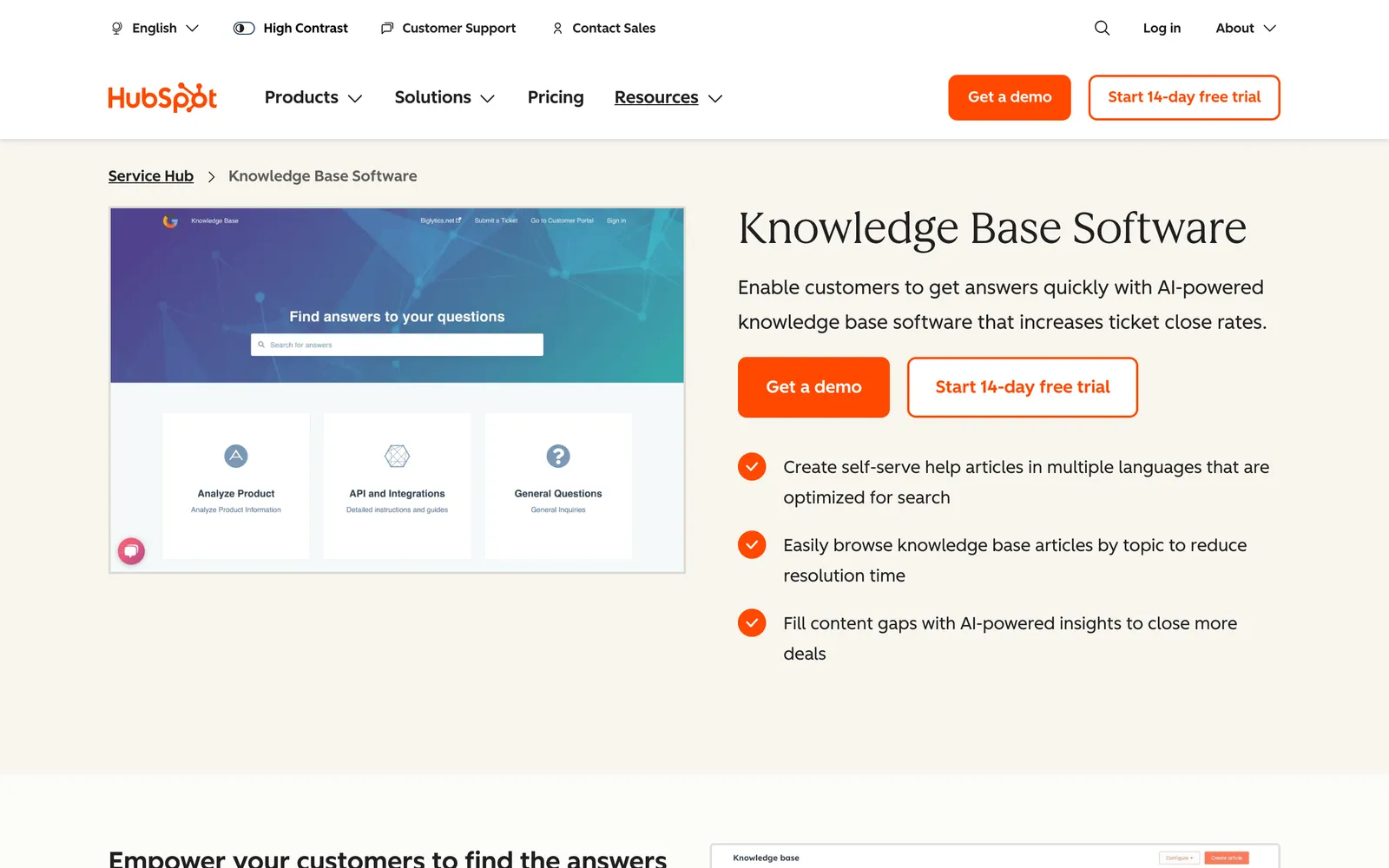
HubSpot is the CRM and help desk many stores already run on, and every ticket there carries the full customer record. Engaige (that’s us) is the AI support agent that works inside HubSpot Service Hub: keep HubSpot, replace the AI (HubSpot integration). Engaige reads the live order, takes the action (a refund, a resend, a subscription change or an address edit), replies to the customer and closes the ticket. Your knowledge base keeps holding policy; Engaige resolves the order questions.
On Shopify, Engaige combines live Admin API data (orders, fulfilment, SKUs, pricing across markets, inventory, customers) with your storefront content. You go live in Agent Assist in hours, where Engaige drafts replies for your team from day one. Brands that move quickly can reach autonomy in about a week, and Engaige automates up to 90% of supported tickets. Brands that are ready can also launch autonomous from day one.
Engaige AI learns from your team’s normal work, comparing every Agent Assist reply with the agent’s suggestion (one signal among several), and proposes changes that you approve. It does not learn only from unanswered questions.
Open any conversation in the Engaige dashboard and you see the full reasoning behind every answer and action. When the agent hands a ticket to your team, it leaves a summary of its reasoning as an internal note in the HubSpot ticket.
Hi, where is my order? It's been eight days and the tracking hasn't moved.

Shopify
Order 48219 · fulfilled

Picqer
Still processing Contradicts Shopify

DHL
Returned to depot · 3 delivery attempts
Settles it: the parcel is not with the customer
Reasoning…
Not deliverable. Reship to a confirmed address, booked in Picqer.
Suggested reply
Your parcel went back to the depot after three delivery attempts, so it will not arrive. I have booked a reshipment to the address you confirmed, arriving Thursday.
Within the AI we can see the reasoning, and how it comes to a response. That shows us where information is missing or unclear, and helps us improve our workflow.

MR MARVIS, a Shopify Plus brand, handles over 120,000 questions a year with Engaige and resolves over 60% of the conversations it is involved in (MR MARVIS). The same keep-your-helpdesk approach is covered for other helpdesks in our Help Scout guide, Front guide and Richpanel guide. Ready to see it on your own tickets? Book a demo.
Frequently asked questions
Is the HubSpot Knowledge Base the same as HubSpot’s help centre?
No. knowledge.hubspot.com is HubSpot’s own help site, titled “HubSpot Knowledge Base”, with how-to articles for using HubSpot software. The Service Hub knowledge base is the product you build and publish for your own customers.
Is the HubSpot knowledge base free, and how many articles can I create?
No, it is not in the Free or Starter editions. The plan and article limits are in the table above (October 2026).
Does Breeze Customer Agent only answer from the knowledge base?
No. It also reads website pages, help docs, PDFs and external URLs, and it can run actions you configure, such as checking an order status.
Can HubSpot write knowledge base articles for me?
Partly. Breeze Assistant offers writing help inside the editor, and the Knowledge Base Agent, in public beta as of October 2026, drafts articles from closed tickets. Per HubSpot’s product page, drafts are reviewed before publishing.
Can a HubSpot knowledge base answer “where is my order”?
Not by itself. An article can explain your shipping times, but it cannot know where one parcel is. That needs live order and carrier data at the moment the customer asks.
Does HubSpot sync Shopify orders?
Yes, one way. HubSpot’s Shopify integration syncs orders from Shopify into HubSpot, and they can’t be changed there.
Can I use a HubSpot knowledge base with Engaige?
Yes. You keep HubSpot, and Engaige works inside Service Hub, answering from live store data. Your knowledge base keeps holding policy for customers to read. Book a demo to see it on your tickets.