
Shopify Magic is Shopify’s name, since 2023, for the AI features built into its admin, not an app you install: generated product descriptions, emails and themes, image edits, and AI-drafted replies in Shopify Inbox. Most come with your plan. In 2026 Sidekick fronts them, and shopify.com/magic now redirects there.
What is Shopify Magic?
Shopify Magic is a label for AI features that sit in different parts of the admin. There is nothing to install and no switch to flip. Shopify launched it on 20 April 2023 as “Shopify’s artificial intelligence tools designed for commerce” in its launch post, starting with product descriptions that were included free in a paid plan.
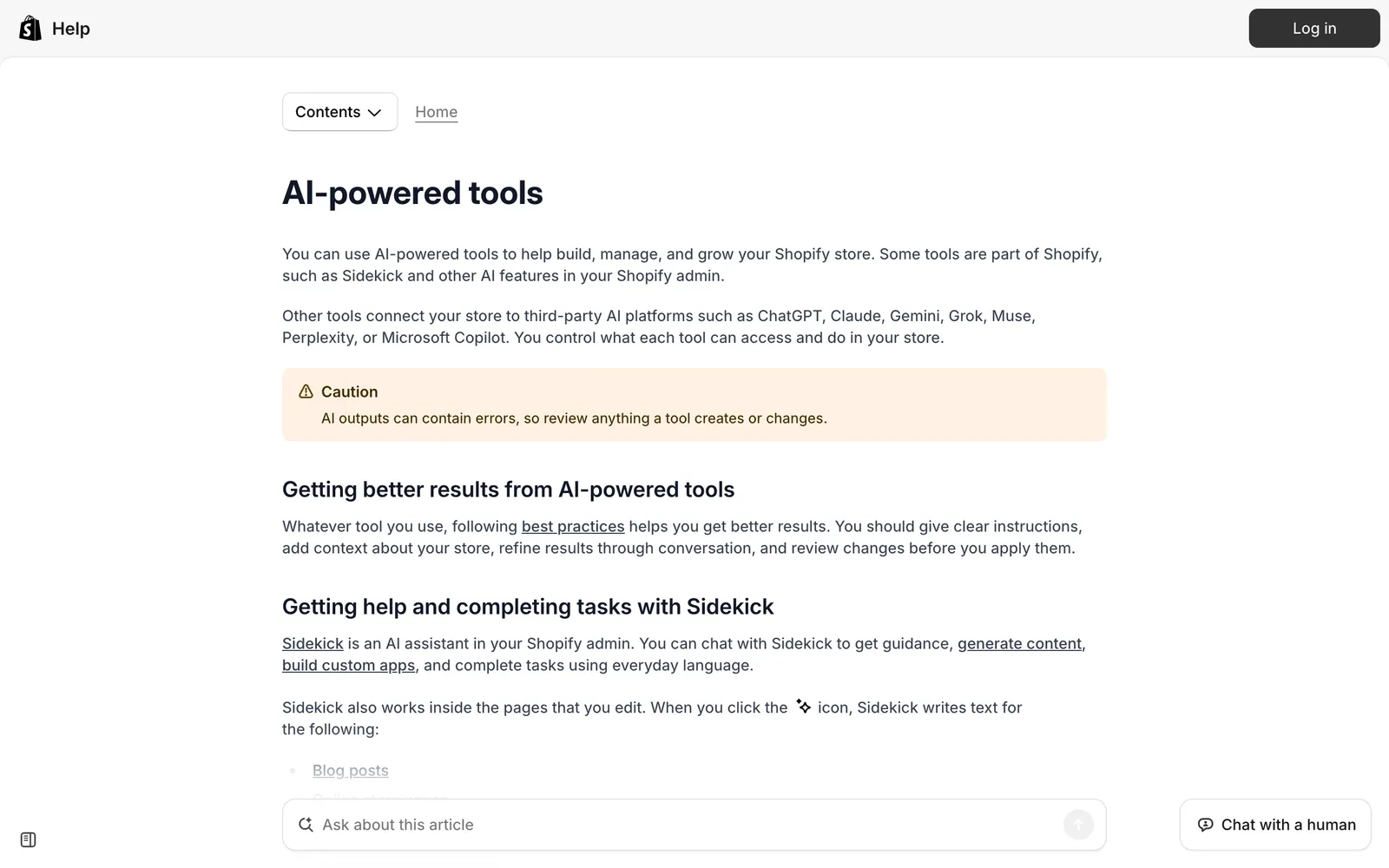
In 2026 the picture has changed. Shopify’s Help Center now files these features under “AI-powered tools” and its visible text never uses the Magic name. A later section covers the redirects and a timeline.
Hold one thread in mind for the rest of this page. Almost every tool helps the merchant produce or run the store. Only the Inbox features face the shopper. If you came here from a support angle, that split decides what Shopify’s AI can do for you. Our customer support hub puts the wider picture around it, and the customer experience guide covers what AI changes for the shopper beyond Shopify.
Which AI tools does Shopify Magic include?
Shopify Magic includes tools for writing, store design, images, catalogue data, insight and customer conversations, plus the Sidekick assistant. The list below follows Shopify’s own AI-powered tools page and its Editions announcements. Seven of the eight rows serve the merchant. One serves the shopper. Shopify also generates up to three personalised themes, so Magic is part store builder, but you still set products, policies, payments and shipping.
| Type | Named example (Shopify’s name) | Where it lives | Serves |
|---|---|---|---|
| Assistant | Sidekick | Chat in the admin | Merchant |
| Writing | Product descriptions | Product page | Merchant |
| Store design | Generated themes | Themes | Merchant |
| Images | File editor background replacement | Files | Merchant |
| Catalogue data | Suggested product category | Products | Merchant |
| Insight | Segment descriptions | Customers | Merchant |
| Outside AI | Connection to ChatGPT | Admin settings | Merchant |
| Customer conversations | Inbox agent | Storefront chat widget | Shopper |
Shopify adds a caution to all of it: availability varies by plan, device and language, and “AI outputs can contain errors, so review anything a tool creates or changes.”
Is Shopify Magic still called Shopify Magic in 2026?
Mostly not. Shopify’s redirect currently sends shopify.com/magic to shopify.com/sidekick with an HTTP 301, and so do the /uk, /de and /nl versions (status on 12 October 2026). The Help Center Magic pages redirect to “AI-powered tools”, and the old Magic theme editor page now redirects to a Sidekick page.
The name survives in two places. The App Store feature page is still called “Shopify Magic for product descriptions” on its App Store page. And review summaries on the Shopify Inbox listing carry the label “This is generated by Shopify Magic” (seen on 12 October 2026).
The practical takeaway: search your admin and the Help Center for “Sidekick” or “AI-powered tools”, not “Magic”.
Is Shopify Magic the same as Sidekick?
Not quite. Magic was the umbrella name for generation features. Sidekick launched under that umbrella in July 2023 as the conversational assistant, and in 2026 it is the front door: the Magic address lands on Sidekick, and features such as theme editor text are now documented as Sidekick.
Per the Shopify Help Center, Sidekick analyses data, manages orders, edits products, creates content and images, and generates custom apps. It presents changes for your review before applying them, on desktop or mobile. Since launch it has added multi-step reasoning, 20 admin languages and voice with screen share (Summer ‘25), then Flow workflows from a description, ShopifyQL reports, chat memory and Sidekick Pulse recommendations (Winter ‘26).
| Magic | Sidekick | |
|---|---|---|
| What it is | A label for AI features | A chat assistant in the admin |
| How you use it | Generation buttons in context | Ask, then review the change it proposes |
| What it does | Generates content in place | Analyses data, manages orders, edits products, with your review |
Sidekick is included with your plan, with features and usage limits that vary by plan. Its listed roles are designer, photo editor, writer, tech support and marketer. All are merchant jobs, and Shopify does not position it as answering shoppers. Shopper-facing AI lives in Inbox.
Is Shopify Magic free?
Mostly yes. Product descriptions were included free in a paid plan from launch, and Shopify says many AI-powered tools cost nothing extra, though availability varies by plan, device and language. Sidekick is included with your plan, and the Inbox app is free.
Shopify documents some plan gates. Inbox needs Basic, Grow, Advanced or Plus. Shopify documents Starter as not eligible for generated themes.
Our view: for support, the cost is not a fee but team time. Staff still read and edit every suggested reply, so the saving is in typing, not in handling.
What can Shopify Magic do for customer support?
Three things, all inside Shopify Inbox’s storefront chat: suggested replies for staff, instant answers for shoppers, and the opt-in Inbox agent, which replies to shoppers by itself. It is free and built on your own store data, which makes it a sensible first step for a store with mostly pre-sale chat.
Suggested replies are a composing aid for staff. They are generated from store information, staff read and edit each one, and they do not drive the agent’s automatic replies.
Instant answers are preset questions in the chat widget. AI suggestions are based on your policies and you review them before publishing. Up to 100 are shown, and a default “Track my order” option is included.
The Inbox agent is opt-in. It answers questions on products, shipping, returns, sizing and policies, recommends products, looks up orders after the customer signs in and adds items to the cart. You choose when it handles conversations, and when no staff are available it shares the store’s sender email. For requirements, assignment modes and training, see the Inbox Help Center.
The Inbox app is rated 4.6 from 5,810 reviews on the App Store (12 October 2026). If your chat is mostly pre-sale questions, see how it maps to product advice. For order status questions, see WISMO.
Where does Shopify Magic stop for a support team?
It drafts and chats in one storefront widget. Support work runs across email, WhatsApp and social, and through order, return and subscription tools. Shopify’s AI writes for the merchant and chats before the sale. Post-purchase tickets need an agent that reads the order and acts.
| Limit | What Shopify’s docs say | What it means for your inbox |
|---|---|---|
| English only | Suggested replies and instant answer suggestions are English only, and the store and admin must be in English. The Inbox agent replies in the customer’s language | No staff drafting aid for other languages |
| Human in the loop | Staff must read and edit each draft and are responsible for accuracy | The saving is in typing, not handling |
| One channel | The Inbox agent “only operates within your online store’s chat widget” | Email, WhatsApp and social sit outside it |
| Account type | Does not work with legacy customer accounts | Check your account set-up first |
| Persona, not knowledge | Training does not change what the agent knows | To correct a fact, edit your products, policies or pages |
| Documented actions | Answers, recommendations, order lookups and add to cart | Shopify documents no refund, cancellation, return or address-change actions |
| Catalogue and policy scope | Suggested replies need 200,000 products or fewer and skip your terms of service and privacy policy | Policy questions may need a human |
| Accuracy | AI outputs can contain errors | Keep a review step |
The tickets that fill a support inbox are WISMO, returns, refunds, cancellations and address changes. See returns for what resolving those looks like, and AI agent for the difference between answering and acting.
When is Shopify Magic enough, and when do you need an AI support agent?
Shopify’s built-in AI is enough while volume is low, chat is mostly pre-sale, and your team is happy to edit drafts in English. You need an AI support agent once tickets arrive by email or WhatsApp, run through a helpdesk, or need an action taken on an order.
| Situation | Built-in Shopify AI enough? | Why |
|---|---|---|
| Low volume, mostly pre-sale chat on the storefront | Yes | Inbox is free and built on your store data |
| English-only store, staff happy to edit drafts | Enough to start | See the English-only limit above |
| Email, WhatsApp or social DMs carry most tickets | Agent | See the one-channel limit above |
| You run Gorgias, Zendesk or another helpdesk | Agent inside the helpdesk | The tickets live there, so the agent should too |
| Refunds, returns, cancellations or address changes are a big share | Agent that acts | See the documented-actions limit above |
| Non-English customers, drafts needed beyond English | Agent | See the English-only limit above |
| Several brands or markets with different policies | Agent with policy control | See the persona limit above |
Does this replace your team? No. A human still reviews anything Shopify’s AI drafts.
For the five kinds of Shopify agent and how to judge them, see Shopify agents, the storefront side in Shopify Inbox, or our e-commerce chatbot comparison for the wider market.
Can Shopify Magic answer customer emails or WhatsApp messages?
Not as documented. Shopify documents no WhatsApp, SMS or social DM channel for the Inbox agent (see the limits table). Magic’s email features write marketing copy, such as subject lines and body copy in Shopify Email, not replies to support emails.
If most of your tickets arrive by email or WhatsApp, the agent has to sit in the helpdesk that receives them.
Where does Engaige fit?
Engaige (that’s us) isn’t part of Shopify Magic: it doesn’t write product descriptions, design your store or work in the admin. It is the e-commerce-native AI support agent that plugs into the helpdesk you already run. Engaige AI learns from your conversations, configures your support agent and shows which policies it used. At MR MARVIS, a Shopify Plus brand, Engaige handles over 120,000 questions a year and resolves over 60% of the conversations it is involved in. Keep your helpdesk. Replace the AI.

The split is simple. Use Shopify’s AI for content, design and the admin, and Engaige for tickets across email, chat, WhatsApp, SMS and social DMs, inside the helpdesk you already run. On Shopify, it reads live orders through the Admin API and takes policy-governed actions such as refunds, cancellations, address changes and discounts, as listed on our Shopify integration page.
You go live in Agent Assist in hours; Engaige AI learns from the difference between what your team sends and what the agent suggested, and you approve every change it proposes. Ticket types then go autonomous one at a time, most brands in about a week, up to 90% of supported tickets.
Engaige is priced as a flat monthly fee tied to your ticket volume, predictable as you scale, so you can set its cost per ticket against the time your team still spends on each ticket; our ROI guide shows the sum.
This is where the “persona, not knowledge” limit bites. When Shopify’s agent gets a fact wrong, training does not change what it knows, so you go and edit your products, policies or pages. With Engaige every answer shows why, with the policy and source it used, so when one is wrong you see which policy or source to fix.
Hi, where is my order? It's been eight days and the tracking hasn't moved.

Shopify
Order 48219 · fulfilled

Picqer
Still processing Contradicts Shopify

DHL
Returned to depot · 3 delivery attempts
Settles it: the parcel is not with the customer
Reasoning…
Not deliverable. Reship to a confirmed address, booked in Picqer.
Suggested reply
Your parcel went back to the depot after three delivery attempts, so it will not arrive. I have booked a reshipment to the address you confirmed, arriving Thursday.
Within the AI we can see the reasoning, and how it comes to a response. That shows us where information is missing or unclear, and helps us improve our workflow.

Frequently asked questions
What is Shopify Magic?
A label for the AI features built into the Shopify admin, launched in April 2023, not an app you install. Shopify now files them under “AI-powered tools”, and the Magic web address redirects to Sidekick.
What AI tools does Shopify Magic include?
Writing, store design, images, catalogue data, insight, outside AI connections, the Sidekick assistant and Inbox customer conversations. Only the Inbox features face the shopper.
Is Shopify Magic the same as Sidekick?
Not quite. Magic was the umbrella label. Sidekick launched under it in July 2023 and is now the front door, a chat assistant that works for the merchant in the admin.
Is Shopify Magic free?
Mostly. Many tools cost nothing extra and Sidekick and Inbox are included or free, but availability varies by plan, device and language. For support, the real cost is team time reviewing drafts.
Can Shopify Magic answer customer emails or WhatsApp messages?
Not as documented, since Shopify documents no email, WhatsApp, SMS or social DM channel for the Inbox agent. An AI support agent in your helpdesk, such as Engaige, covers those channels.
Can I use Shopify Magic alongside an AI support agent like Engaige?
Yes, they do different jobs. Use Shopify’s AI for content, design and the admin, and Engaige for tickets in your helpdesk, where it reads the order and acts under your policies.







