
Shopify customer service is the work of answering your store’s shoppers before and after they buy: product and sizing questions, order status, returns, refunds, cancellations and address changes. Shopify gives you free storefront chat and an admin assistant. The after-purchase inbox needs more: an agent that reads the order, applies your policy and acts, inside the helpdesk you already run.
This hub is for e-commerce support teams on Shopify. It maps the jobs, the tools Shopify includes, how to judge an AI agent and which setup fits your stage, then points you to the guide that goes deeper on each.
What does Shopify customer service involve for your store?
Shopify customer service covers two jobs. Pre-sale contacts ask about products, sizing, stock and delivery times, and a good answer sells. After-purchase contacts ask where an order is, or want a return, refund, cancellation or address change, and most of those need an action in Shopify, not only an answer.
The split matters because the tools differ. A chat widget with good answers handles the first job. The second job is where tickets pile up, and it needs access to live order data plus permission to act under your rules. Our view: plan your support around the after-purchase share, because that is the work your team repeats every day.
| Contact type | Typical question | What resolves it | Go deeper |
|---|---|---|---|
| Product advice | ”Which size fits me?” | An answer from live catalogue, stock and your brand content | product advice |
| Order status (WISMO) | “Where is my order?” | Reading the order and fulfilment data, then a clear update | WISMO |
| Return or refund | ”Can I send this back?” | Checking the order against your policy, then issuing the refund | refunds |
| Cancellation | ”Can I cancel order #1234?” | Checking it is unfulfilled, then cancelling it | Shopify actions |
| Address change | ”I moved, can you update it?” | Changing the delivery address while the order can still change | Shopify actions |
Which Shopify tools handle customer service out of the box?
Shopify includes three AI surfaces that touch customer service. Shopify Inbox is a free storefront chat app with an opt-in AI agent. Sidekick is an assistant for you and your staff in the admin. Agentic storefronts sell your products through AI assistants. Each does a different job, and only Inbox talks to your shoppers in your store.
| Tool | Who it serves | What Shopify documents | Our guide |
|---|---|---|---|
| Shopify Inbox and the Inbox agent | Shoppers, in the storefront chat widget | Answers, recommendations, order lookups after sign-in and add to cart | Shopify Inbox |
| Sidekick (now the front door for Shopify Magic) | You and your staff, in the admin | Analyses data, manages orders, edits products, with your review before changes apply | Shopify Magic |
| Agentic storefronts | Shoppers, inside AI channels such as ChatGPT | Your products sold in AI chats; you keep the after-purchase relationship | agentic commerce |
Shopify Inbox is free on the Basic, Grow, Advanced and Plus plans, per Shopify’s Inbox help. The Inbox agent is opt-in, needs new customer accounts and works only in the storefront chat widget. Its training changes the agent’s persona, not what it knows about your store. Suggested replies for staff are English only.
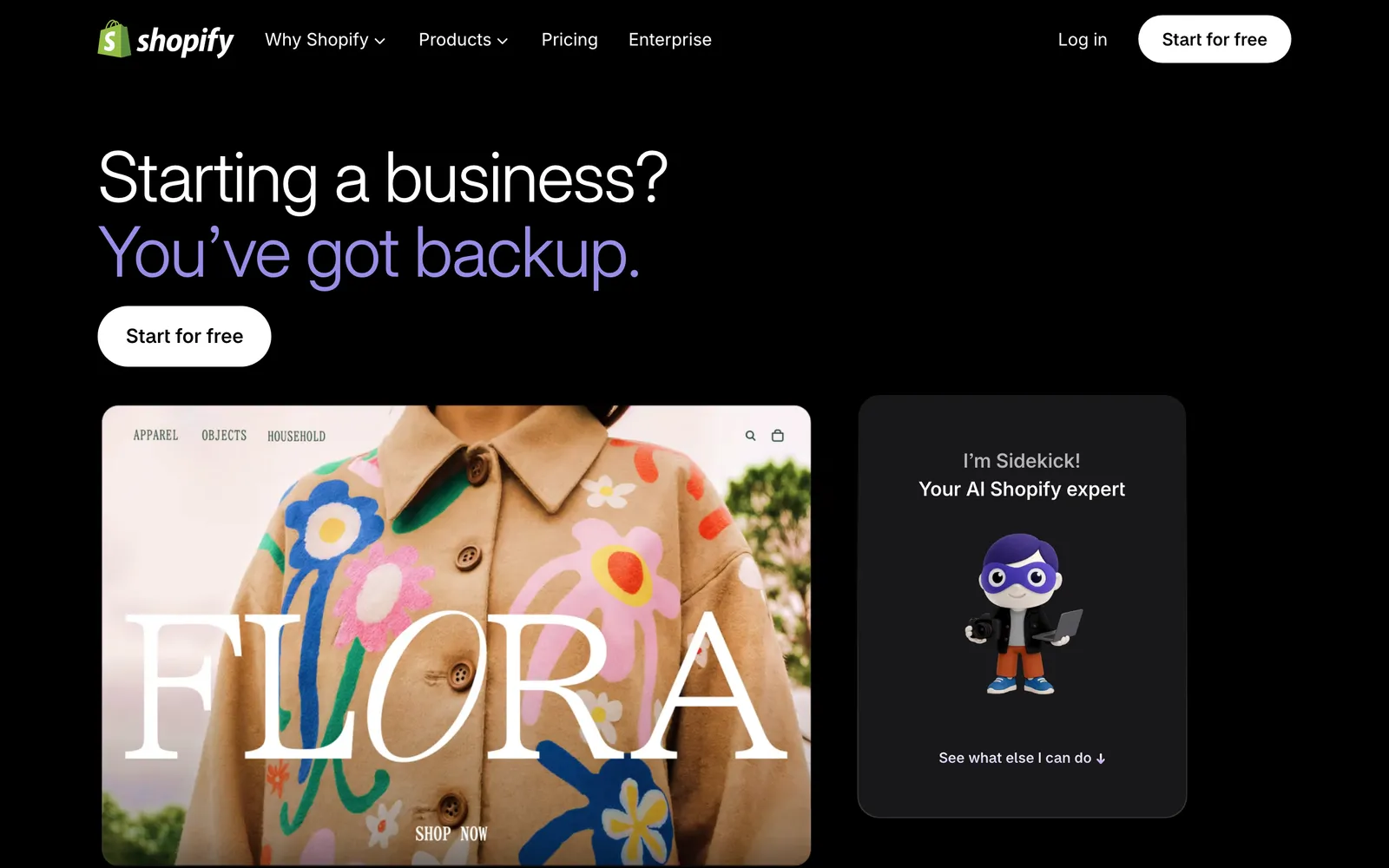
Sidekick is included with your plan, and shopify.com/magic now 301-redirects to the Sidekick page. Its roles are merchant jobs: writing, design, data and admin tasks. Our view: the cost of these free tools is not a fee but team time, measured in the tickets they hand back.
Where does AI fit in Shopify customer support?
AI fits in two places: answering pre-sale questions in the storefront, and resolving after-purchase requests from live order data. Shopify’s agents lean towards the first. A Shopify agent for support has to read the order, follow your policies and act on every text channel your shoppers use, not only the chat widget.
Shopify documents no refund, cancellation or return actions for the Inbox agent, so in practice those requests reach your team. That is the gap a support agent fills. Our guide to the Shopify agents sorts the five kinds of agent by who they talk to and whether they act on orders.
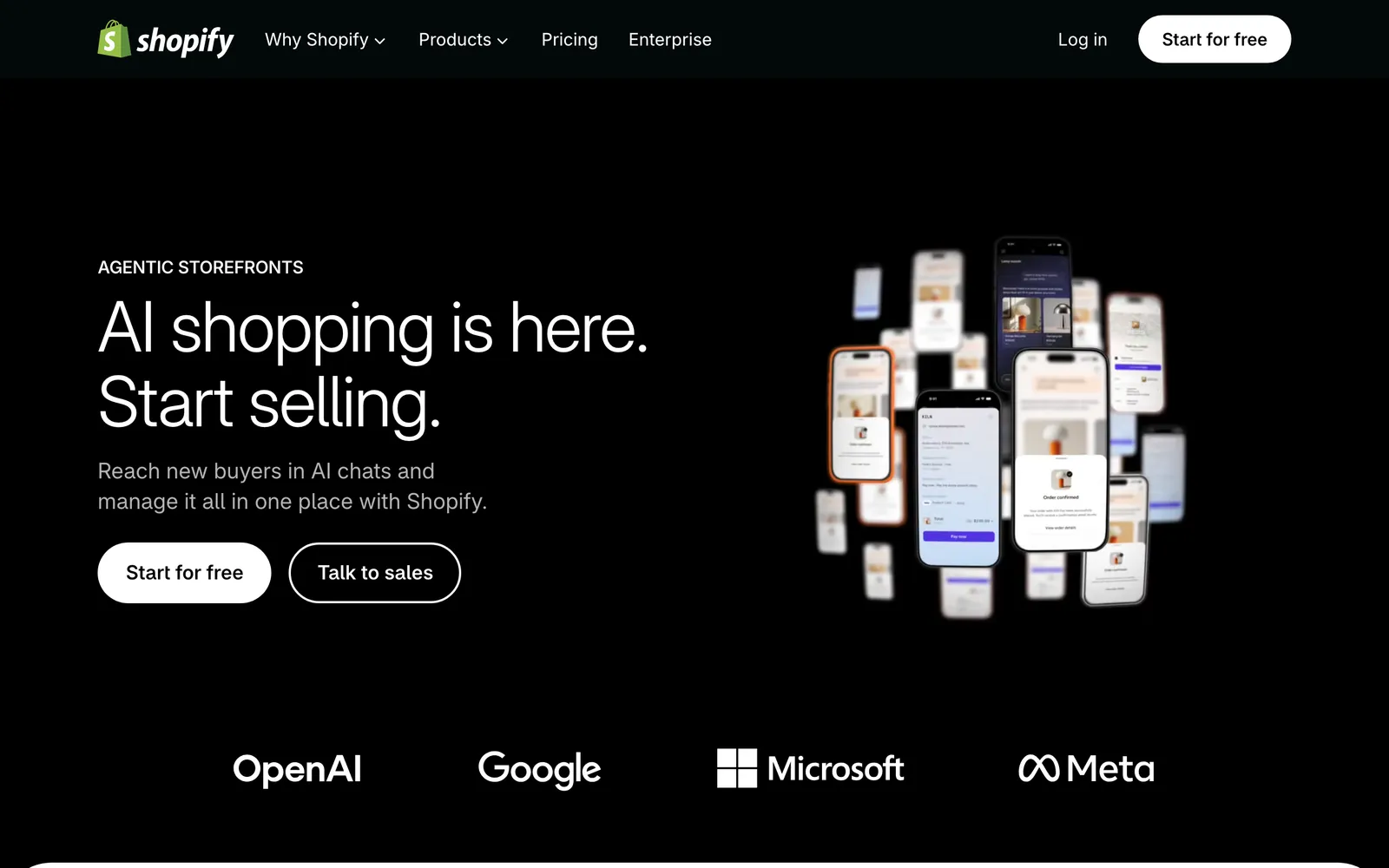
The shopping side is moving too. Shopify says agentic storefronts are enabled automatically for eligible stores, so AI assistants such as ChatGPT can sell your products. Those orders still land in your inbox afterwards, with the same WISMO, return and refund questions. Our view: more AI-led buying means more after-purchase work, not less.
How do you evaluate a Shopify customer service setup?
Judge a setup on seven criteria, with self-improvement weighted highest alongside action depth. Action depth in Shopify is a must-have rather than the tiebreaker: every serious option has to act. Whether the agent keeps getting better from your own tickets, and whether you can see and steer that, usually separates them.
The weights below are a default you can reweight for your store. They sum to 100%.
| Criterion | Weight | What good looks like |
|---|---|---|
| Self-improvement | 20% | It learns from what your team actually sends, proposes changes with reasons, and you approve what goes live |
| Action depth in Shopify | 20% | Refunds, cancellations, address changes and discounts, under your policy |
| Live order and catalogue data | 15% | Reads orders, stock and pricing at the moment of the question, not a nightly copy |
| Policy control | 15% | You decide which process applies and when the agent may act |
| Transparent reasoning | 10% | Every answer shows why, with the source it used |
| Helpdesk and channel fit | 15% | Works inside the helpdesk you run, across chat, email, WhatsApp, SMS and social DMs |
| Time to go live | 5% | Live in hours, with a path to autonomy you control |
Gorgias is a strong e-commerce helpdesk that is good at organising support and deflection, and Zendesk is a proven ticketing foundation trusted by large teams. Score their built-in AI against the same table; our Gorgias and Zendesk comparisons do that in detail.
Which setup fits your store?
The right setup follows your volume and your after-purchase share. A small store with mostly pre-sale chat can start with Shopify Inbox. Once order status, returns and refunds make up most of the queue, or customers write by email and WhatsApp, you need a helpdesk with an AI agent that resolves.
| Your situation | Sensible setup | Why |
|---|---|---|
| Low volume, mostly pre-sale chat | Shopify Inbox with the Inbox agent | Free, sits where you work, good at answers and recommendations |
| Growing volume, email joining chat | A helpdesk for one shared queue | Chat and email under one set of policies |
| After-purchase work dominates | Your helpdesk plus an AI agent that acts on orders | Refunds, cancellations and address changes resolved, not handed back |
| Several stores, markets or languages | Your helpdesk plus an agent with live Shopify data per market | Pricing, stock and policies differ by market |
Our decision rule: keep Inbox while chat is small and pre-sale. When the hand-backs grow, put chat on your helpdesk’s widget so chat and email share one queue, then add an agent that reads the order and acts.
How do you contact Shopify’s own customer service?
As a merchant, you reach Shopify Support by chat, available 24/7 on all plans, from the Help Center while logged in to your store. Phone and email support are for the Shopify Plus and Retail plans, per Shopify’s contact page. Shoppers with an order question should contact the store, not Shopify.
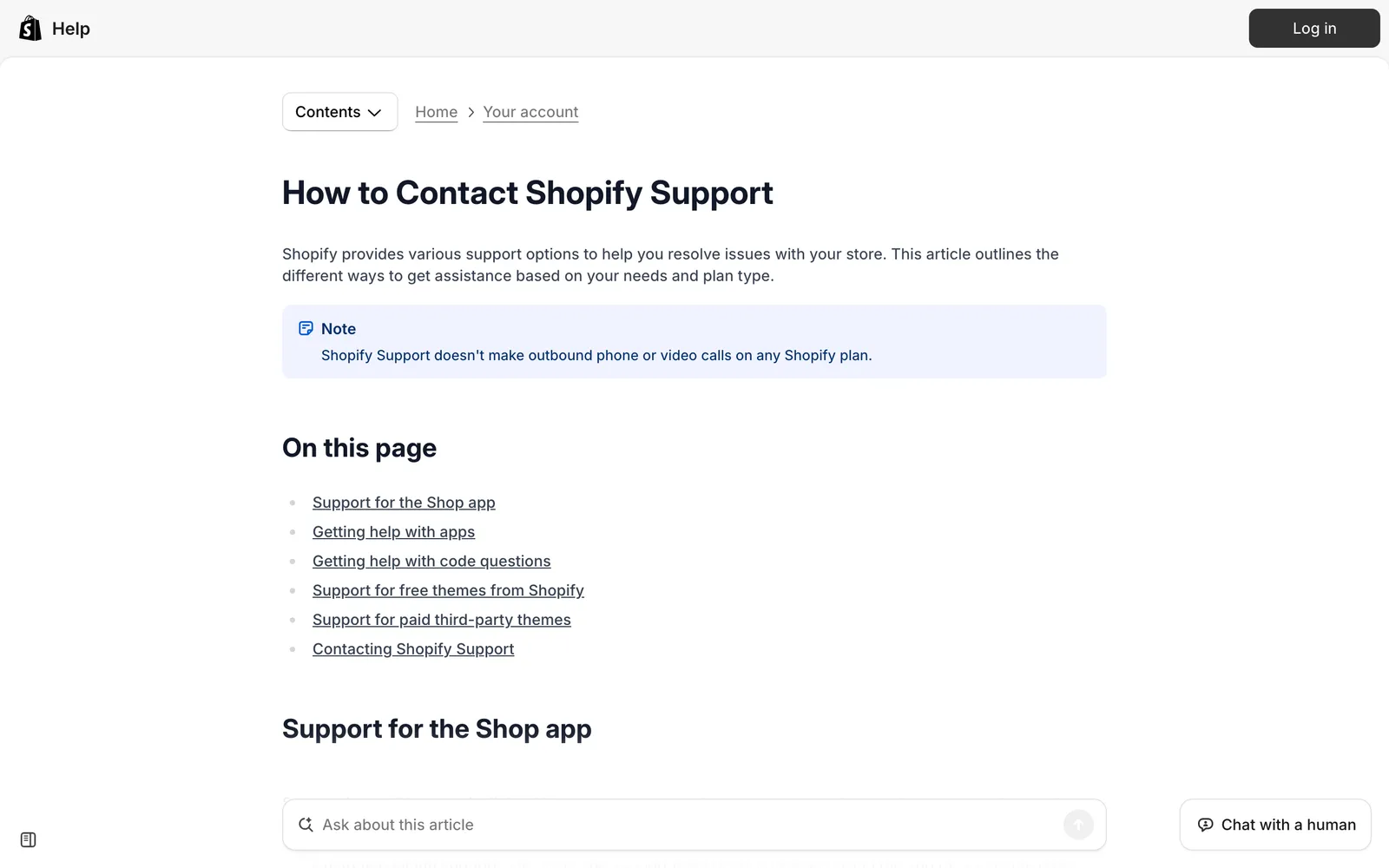
Shopify’s page adds two details worth knowing. You must be logged in to your store to connect with an advisor, and Shopify Support does not make outbound phone or video calls on any plan. Email support lists typical response times of 48 hours. If your shoppers land on this page looking for you, make your own contact options easy to find.
Which guides in this hub should you read next?
Start with the guide that matches the decision in front of you. If you are deciding whether Shopify’s free tools are enough, read the Inbox and Magic guides. If you already know you need an agent that acts on orders, read the agents guide, then see what the integration does in your store.
Shopify’s own tools
- Shopify Inbox: what the free chat app and its opt-in agent do, how to set them up and when you outgrow them.
- Shopify Magic: Shopify’s AI tools in the admin, why the name now points to Sidekick and where they stop for support.
- Shopify live chat: the three ways to add chat to your store, step by step, and who answers when your team is offline.
- Shopify contact forms: adding a form, custom fields, spam and routing submissions into your helpdesk.
AI agents for Shopify support
- Shopify agents: the five kinds of Shopify agent, which ones act on orders and how to choose.
- Agent definition: the difference between a chatbot that answers and an agent that acts.
- Shopify agentic commerce: setting up Agentic Storefronts and supporting the orders AI agents send you.
See it in your store
- Shopify integration: what Engaige reads in your Shopify store and the actions it takes, including refunds, cancellations, address changes and discounts.
Where does Engaige fit?
Engaige (that’s us) is the e-commerce-native AI support agent that plugs into the helpdesk you already run, actually resolves across your stack and keeps improving itself. Live in hours, deepest on Shopify. Engaige AI learns from your conversations and inputs, configures your support agent and shows which policies it used. Keep your helpdesk. Replace the AI.

You go live in Agent Assist in hours. Engaige AI compares what your team said with what the agent suggested, learns from the difference and improves itself, under your supervision: you approve the changes.
Ticket types switch to autonomous one at a time, and most brands get there in about a week, handling up to 90% of supported tickets. Autonomous from day one is also supported.
Where Shopify’s free tools cost team time on the tickets they hand back, Engaige is a flat monthly fee tied to your ticket volume, predictable as you scale, so you can weigh its cost per ticket against what a person costs per ticket in our ROI guide.
On Shopify, Engaige combines live Admin API data, pricing across markets and SKUs, inventory, orders and customers, with the marketing content from your storefront, deeper than tools that only scrape. It takes policy-governed actions such as refunds, cancellations, address changes and discounts. It works across your stack, deepest on Shopify, plus WooCommerce, Magento, BigCommerce and your custom systems, on email, chat, WhatsApp, SMS and social DMs.
One agent does two jobs. It works as an AI shopping assistant in the storefront and as a support agent after purchase. MR MARVIS, a Shopify Plus brand, handles over 120,000 questions a year with Engaige, resolving over 60% of the conversations it is involved in, with personal product advice 24/7 on chat and email.
One thing that impresses me every day is the quality of the product recommendations.

Frequently asked questions
What does Shopify customer service involve?
Two jobs: pre-sale questions about products, sizing and stock, and after-purchase requests about order status, returns, refunds, cancellations and address changes. Most after-purchase requests need an action in Shopify, not only an answer.
Is Shopify Inbox enough for customer support?
It is enough while most contacts are pre-sale questions in storefront chat. Shopify documents no refund, cancellation or return actions for the Inbox agent, so once after-purchase work dominates, those requests reach your team.
Does Shopify have its own AI customer service agent?
Yes. The opt-in Inbox agent answers shoppers in the storefront chat widget, and Sidekick helps you and your staff in the admin. The Inbox agent needs new customer accounts and works only in the widget.
How should you evaluate an AI agent for Shopify support?
Weigh self-improvement and action depth highest, then live order data, policy control, helpdesk and channel fit, transparent reasoning and time to go live. Engaige AI learns from what your team actually sends, and you approve each change.
Do you need to replace your helpdesk to add AI?
No. Keep your helpdesk. Replace the AI. Engaige plugs into the helpdesk you already run and resolves across email, chat, WhatsApp, SMS and social DMs, deepest on Shopify.
How do you contact Shopify Support as a merchant?
By chat, available 24/7 on all plans, from the Help Center while logged in to your store. Phone and email are for the Shopify Plus and Retail plans.
How long does it take to go live with an AI support agent?
With Engaige you go live in Agent Assist in hours, and most brands switch ticket types to autonomous one at a time within about a week. Autonomous from day one is also supported.







