
A Zendesk SLA is a policy that sets reply, update and resolution time targets per ticket priority and tracks every matching ticket against them. Zendesk checks policies top to bottom and applies the first match. A ticket with a blank Priority field gets no SLA, and SLAs don’t apply to AI agent tickets until a human takes over.
This guide is for a support lead running a store on Zendesk. It covers how the metrics start and pause, how to set targets for e-commerce ticket types, and where the gaps are. For the wider picture, see our guide to Zendesk e-commerce.
What is a Zendesk SLA?
A Zendesk SLA is a policy you define that specifies and measures the response and resolution times your team delivers (Zendesk docs). It has three parts: conditions that decide which tickets it covers, the metrics it measures, and a target time per priority (Low, Normal, High, Urgent), each on calendar or business hours.
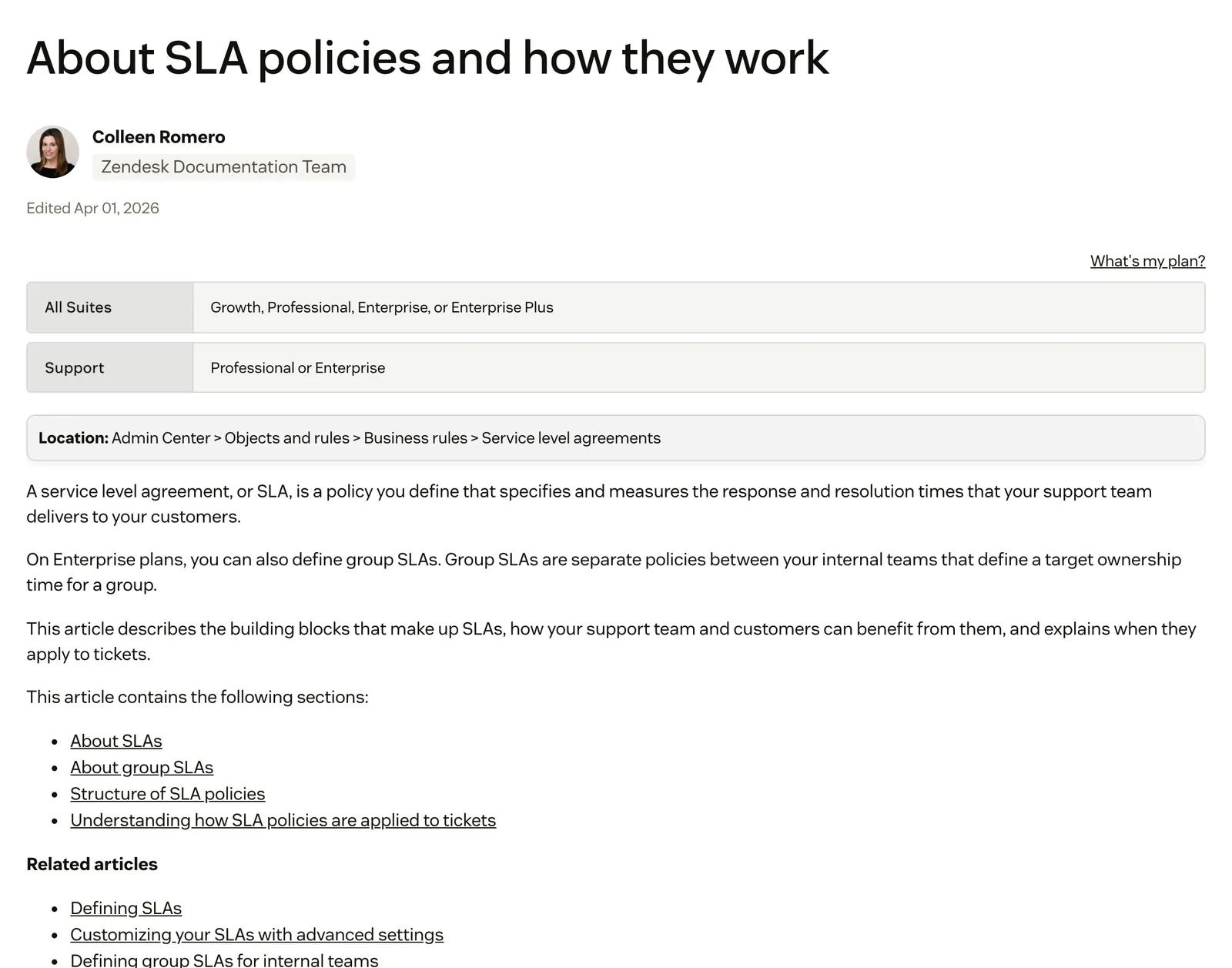
In Zendesk, an SLA is a configured target, not a contract with your shoppers. An illustration, ours: reply to a where-is-my-order email within 4 business hours.
Most accounts created on or after 3 March 2025 also get a default “Set first reply time” SLA, per the same Zendesk article.
Which SLA metrics does Zendesk measure?
Zendesk measures seven metrics, defined in its Defining SLA policies article. Reply and update metrics are driven by public comments. Requester wait, agent work and total resolution time are driven by ticket status. Pick the metric that matches the promise you make to shoppers.
| Metric | Starts | Pauses | Stops |
|---|---|---|---|
| First reply time | Ticket creation | Not documented | First public comment from an agent (or autoreply) |
| Next reply time | Oldest unanswered customer comment | Not documented | An agent public comment |
| Periodic update | An agent public comment | Not documented | Resets after each agent public comment |
| Pausable update | An agent public comment, with the ticket not Pending | Pending | Resumes when set to Open or On-hold with a public comment or internal note |
| Requester wait time | Ticket creation | Pending | Solved |
| Agent work time | Time in New and Open is added up | On-hold or Pending | Not documented |
| Total resolution time | Ticket creation | Never, except at Solved | Solved |
The e-commerce reading: set a ticket to Pending while the carrier or warehouse answers and requester wait time pauses, but total resolution time keeps running. Zendesk’s About article lists six metrics under slightly different names; we follow the Defining article’s seven.
For chat and messaging, Zendesk says reply time SLA policies apply to all ticket, chat and messaging conversations. If reply time SLAs for chat aren’t turned on, only public replies count (Defining SLA policies).
How does a Zendesk SLA policy decide which tickets it applies to?
Triggers run first. After that the ticket goes through the SLA system, which checks your policies from the top of the list down and applies the first one whose conditions the ticket satisfies (Zendesk docs). Only one SLA applies to a ticket at a time, although an SLA and a group SLA can apply together.
The trap is Priority. An SLA only applies if the system Priority field has a value. If it is blank, “the SLA will not apply, even if all other conditions are met”, and a custom priority field does not count (Defining SLA policies). Zendesk suggests using a trigger to set a priority when a ticket is created.
Order matters too. Put the most restrictive policies at the top, because a new policy lands at the bottom. A new VIP or cancellation policy does nothing until you move it up.
Breaches are not back-dated: Zendesk records one at the time of the update, not at the moment the ticket went late (Zendesk docs).
How do you set up SLAs in Zendesk?
Go to Admin Center > Objects and rules > Business rules > Service level agreements and choose Create policy. The steps are short, and Zendesk’s Defining SLA policies article is the primary source for every click.
- Name the policy and add its conditions, such as channel, tags or form.
- Set a target per metric and priority. The minimum target time is 15 seconds.
- Choose calendar hours or business hours for each priority.
- Save, then drag the policy above any broader policy that would match first.
Before you rely on it, check that a trigger sets the Priority field on every new ticket.
What is the difference between an SLA and a group SLA?
An SLA measures the shopper’s wait on the whole ticket. A group SLA, commonly called an OLA, is an internal policy between teams that sets a target ownership time for a group (Zendesk docs).
It has one metric. Ownership time starts when a group is assigned to a ticket and ends when the ticket is reassigned or solved, and a reopened ticket starts a new one. Group SLAs are on Enterprise and Enterprise Plus only.
July 2026Because Ownership Time keeps running through Pending and On-Hold, it counts wait time that is customer- or third-party-dependent, not active agent handling. · Zendesk CommunityAn example: a refund ticket moves from support to finance. The SLA measures the shopper’s wait, and the group SLA measures each internal hand-off.
Which Zendesk plans include SLAs?
Zendesk’s About article says SLA policies are included on Suite Growth, Professional, Enterprise and Enterprise Plus, and on Support Professional and Enterprise. Group SLAs are limited to Enterprise and Enterprise Plus. Zendesk’s own pages disagree, so check your plan in Admin Center.
| Product | SLA policies | Group SLAs |
|---|---|---|
| Suite Growth | Yes (per the About article) | No |
| Suite Professional | Yes | No |
| Suite Enterprise and Enterprise Plus | Yes | Yes |
| Support Professional | Yes | No |
| Support Enterprise | Yes | Yes |
The flag: the SLA targets article (Viewing and understanding SLA targets) lists Suite Professional and up, with no Suite Growth. Treat Growth as unconfirmed until you see an SLA section in your own Admin Center.
How do you catch a Zendesk SLA breach before it happens?
Zendesk gives you two signals. SLA badges in views show how much time is left, and an automation can warn your team before a breach. Neither fires a ticket event: Zendesk states that no event appears when an SLA is breached or fulfilled.
Per Zendesk’s SLA targets guide, the badge is green above 15 minutes, amber below 15 minutes and red at 0 minutes, meaning breached. With several active targets, the soonest-expiring one shows.
For alerts, the condition “Ticket: Hours until next SLA breach” lets you build an automation. Automations run once every hour, so you can’t send a notification at the exact moment of a breach. It can land up to about an hour either side.
A trigger that autoreplies with a public comment fulfils reply time metrics. As of 13 October 2026, Zendesk states in Defining SLA policies that autoreplies are available with the Copilot add-on only.
Our view: an hourly alert suits a 24-hour email target, not a short chat target. Peak season is where that gap shows; see how to scale support for it.
Do Zendesk SLAs apply to AI agent conversations?
No. Zendesk states that SLAs don’t apply to AI agent tickets. They only start working once the ticket is escalated to a human agent, when it becomes a regular ticket and its status is set back from Open to New (Zendesk docs).
Our view: the conversation with Zendesk’s AI agent sits outside your SLA reporting, so your SLA data may not show the shopper’s whole wait. Zendesk documents no rule for whether first reply time then counts from creation or from hand-off.
Regular triggers and automations don’t act on these tickets either. Only messaging triggers and the “Close ticket 4 days after status is set to solved” automation do (Zendesk docs). Internal notes have their own rules, covered in internal notes.
How should an online store set its SLA targets?
Start from the deadline each ticket type carries. Cancellations and address changes must be handled before the order ships, so they go Urgent with a short first reply target. WISMO tolerates a slower target but arrives in volume. These are illustrative starting points we recommend, not benchmarks.
| Ticket type | Priority | Metric | Why |
|---|---|---|---|
| Cancellation or address change | Urgent | First reply time | The order may ship before you answer |
| Damaged item | High | First reply time, then next reply time | The shopper is already unhappy and waiting on a photo exchange |
| Refund or return | Normal | Total resolution time | The promise is an outcome, not a reply |
| WISMO | Normal | First reply time | High volume, low urgency per ticket |
| Pre-purchase product question | High | First reply time | On chat, a slow answer costs the sale |
Set priority by trigger from channel, tags or form at creation, never by hand. For WISMO, deflecting before it becomes a ticket helps most, as in our self-service guide. For refunds, total resolution time is the metric that matches what you promise. A well-kept knowledge base also takes volume off every target above.
Where does Engaige fit?
Engaige (that’s us) isn’t an SLA tool: it’s the AI support agent that works inside the Zendesk agent workspace on your existing tickets, alongside your SLA setup. Your SLA policies stay exactly as they are. Keep your helpdesk. Replace the AI. Behind it is Engaige AI, which learns from your conversations and inputs, configures your support agent and shows which policies it used.

You go live in Agent Assist in hours. Engaige drafts replies and suggests order actions from live data (on Shopify, the Admin API) for your team.
Engaige AI then compares what your team sent with the draft, learns from the difference and improves itself under your supervision: you approve the changes.

Hello Potential New Client
What would you like to get done today?
Could you analyse this week's conversations and show me some automation opportunities?
Ask Engaige…
Searched and found 4 contact reasons · 2.4s
Your agent resolved 426 of 512 conversations. 86 were handed over, and one contact reason accounts for most of them.
Searched and found 1 policy · 1.6s
Delivery status hands over whenever tracking is older than 24 hours, which is 40 of those 46.
Editing Delivery status · 1.9s
Done. It now handles stale tracking itself. Those 40 a week stay with your agent.
What were the reasons for handover, and how can we improve?
Fix it.
Reply…
Ticket types switch to autonomous one at a time, most brands in about a week, up to 90% of supported tickets. Autonomous from day one is also supported. Once a ticket type is autonomous, the action happens in the connected system first, then Engaige replies and closes the ticket in Zendesk.
Otrium has 60% of 120,000 annual tickets resolved end to end, and HelloPrint got first response 90% faster.
With Engaige, we are able to automatically resolve 60% of the 120,000 support tickets that we receive annually.

Zendesk is a proven ticketing foundation trusted by big teams. It wasn’t built to think in orders, returns or subscriptions; Engaige is built for exactly that. See the Zendesk comparison or the Zendesk integration.
Frequently asked questions
What is an SLA in Zendesk?
A policy that sets reply, update and resolution time targets per ticket priority and tracks every matching ticket against them. It has conditions, metrics and a target per priority, on calendar or business hours.
Which Zendesk plans include SLA policies?
Zendesk’s About article lists Suite Growth, Professional, Enterprise and Enterprise Plus, and Support Professional and Enterprise. Another Zendesk article lists Suite Professional and up, so check your plan in Admin Center.
Why is my Zendesk SLA not applying to a ticket?
Three causes: the system Priority field is blank, a broader policy above yours matched first, or the ticket is an AI agent ticket that has not been escalated to a human.
What is the difference between an SLA and a group SLA in Zendesk?
An SLA measures the shopper’s wait. A group SLA (OLA) measures how long a group owns a ticket, from assignment to reassignment or solve, and needs Enterprise.
Do Zendesk SLAs apply to AI agent conversations?
No, not until the ticket is escalated to a human agent. Zendesk documents no rule for how first reply time counts after escalation.
Can Zendesk alert me before an SLA is breached?
Yes, with an automation using “Hours until next SLA breach”. Automations run once an hour, so alerts can land up to about an hour either side of the breach.
How do I set up an SLA policy in Zendesk?
Go to Admin Center > Objects and rules > Business rules > Service level agreements, choose Create policy, add conditions and targets per priority, then move it above broader policies.
Can an AI agent help my team reply faster in Zendesk?
Yes. Engaige goes live in Agent Assist in hours, drafting replies and suggesting order actions from live data, and as it matches your team you switch ticket types to autonomous, where it takes the action, replies and closes the ticket itself.
Do I have to replace Zendesk to use a different AI agent?
No. Keep your helpdesk, replace the AI. Engaige works inside Zendesk on your existing tickets, and your SLA policies stay as they are.






