
A Zendesk AI knowledge base is your Zendesk Knowledge help centre used as the source Zendesk’s AI reads. Generative search, AI agents and Copilot answer from its articles and up to 50 connected external sources, and Knowledge builder drafts a first help centre from recent solved tickets. It answers policy questions well; order questions need live store data.
This guide is for an online store already on Zendesk. It covers the Zendesk side step by step, then where articles stop for a store. Our view in one line: a knowledge base holds your policy, not your orders. For the wider picture, start with our guide to Zendesk e-commerce.
What is a Zendesk AI knowledge base?
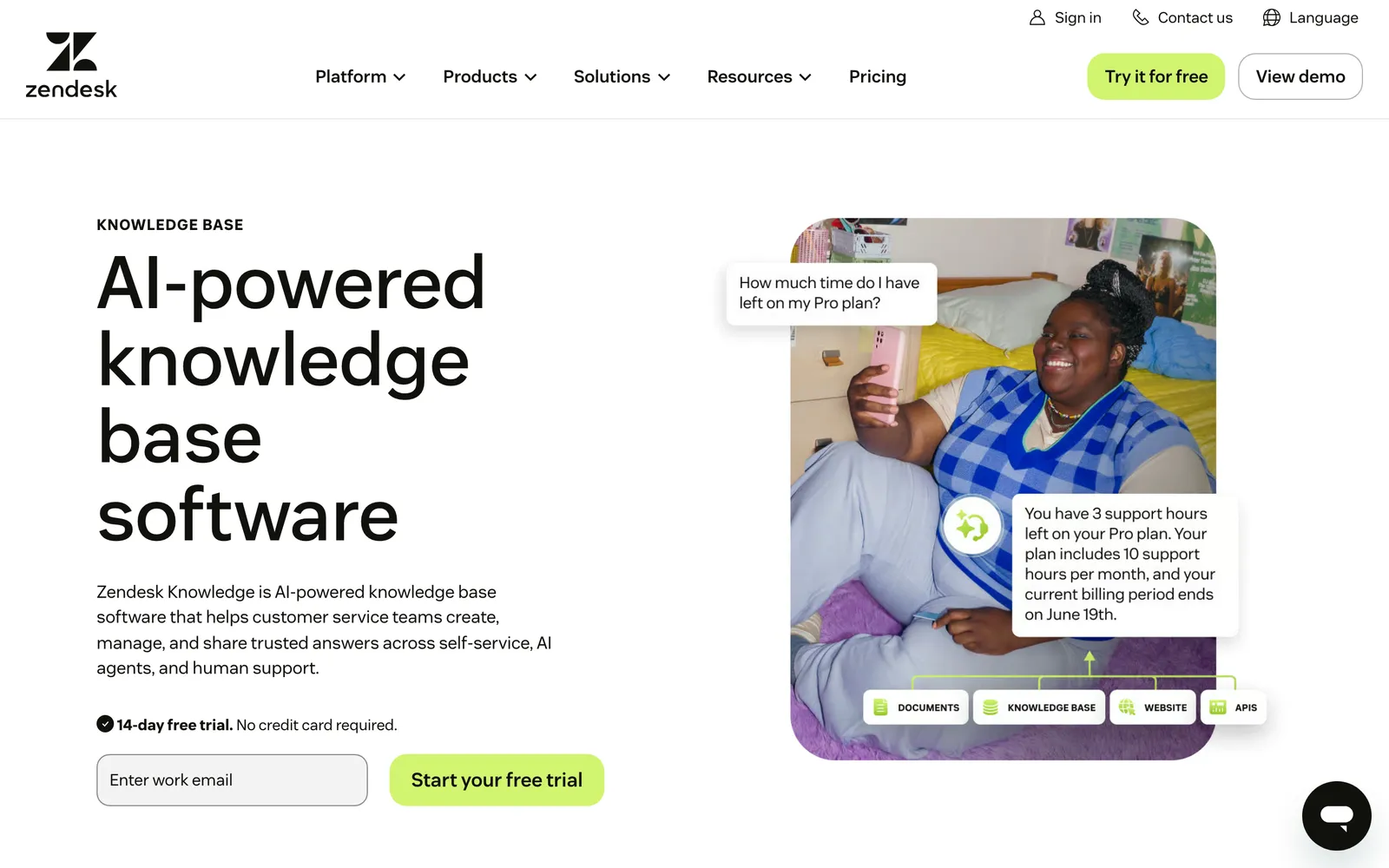
Zendesk Knowledge is what Zendesk’s product page calls its “AI-powered knowledge base software”. The help centre is the customer-facing site built from it. The AI features (generative search, AI agents, Knowledge in the Agent Workspace and Copilot auto assist) read its articles plus any external content you connect.
| AI feature | What it reads | Who sees it | Plan, per Zendesk docs |
|---|---|---|---|
| Generative search | Help centre articles and external content | Customers searching the help centre | All Suite and Knowledge plans, up to 100,000 eligible searches a month |
| AI agents | Connected knowledge sources: help centres or external sources | Customers on channels such as messaging and email | Included in every Suite and Support plan; a knowledge source is required for generated answers |
| Knowledge in the Agent Workspace | Help centre articles and external content | Your agents | Plans with external content: Suite Team and up, or Knowledge Professional or Enterprise |
| Copilot auto assist | Procedures first, then help centre articles, then similar solved tickets | Your agents | Copilot add-on |
Sources: Zendesk’s generative search, external content and auto assist documentation, captured 13 October 2026.
A word on naming. Zendesk’s current product page says “Zendesk Knowledge”, while older feature names on Zendesk’s own pages still carry “Guide”, such as Guide Content Cues. Internal articles live in the same place: apply the “Agents and admins” visibility to an article and only your team sees it (Zendesk docs).
Which Zendesk plans include the knowledge base software?
The help centre comes with Suite plans, not Support Team. Generative search is on every Suite and Knowledge plan. Knowledge builder needs Suite Growth or higher, or Support with Knowledge Professional or Enterprise, per Zendesk’s documentation.
| Plan | Price per agent per month, paid yearly | Help centres | Languages | Generative search | Knowledge builder |
|---|---|---|---|---|---|
| Support Team | £15 | None | n/a | No help centre | Only with Knowledge Professional or Enterprise |
| Suite Team | £45, “AI knowledge base” listed | 1 | 1 default | Yes | No (Growth and up) |
| Suite Growth | Not priced on the UK page | Not stated | Not stated | Yes | Yes |
| Suite Professional | £89 | Up to 5 | 40+ | Yes | Yes |
| Suite Enterprise | Talk to sales | Not stated | Not stated | Yes | Yes |
Prices from zendesk.co.uk/pricing, captured 13 October 2026. Plan availability for generative search and Knowledge builder comes from the help docs, because the per-plan marks on the pricing page did not render as text. Knowledge builder is not available in trials.
Two more dated facts. AI agents are included in every Suite and Support plan and billed on automated resolutions; our Zendesk AI guide covers the rest of the product. On 17 March 2026 Zendesk expanded availability: generative AI writing tools, AI article translation, federated search, flexible hierarchies and article multiplacement became available on all Suite and Knowledge plans. Before that, the first two needed the Copilot add-on and the rest were Enterprise only.
How do you build a Zendesk AI knowledge base step by step?
Sort your tickets first, draft the help centre, write each article for the AI, connect external content, check generative search, connect the knowledge to your AI agent and test with real questions. Help centre activation and sign-in are one line here, because the setup is a separate topic.
- Sort your ticket mix. Split your tickets into policy (returns window, shipping times, sizing), catalogue (specs, stock, price per market) and order state (where is my order, is this return eligible, can I cancel). Only the first group belongs in articles.
- Draft the first help centre. If you have none, use Knowledge builder (next section) or write it yourself. Zendesk allows one generated help centre per brand.
- Write for the AI. One question per article, the policy stated with its conditions, plain structure. Zendesk’s web-crawler guidance, written for AI agents Advanced on accounts created before 10 March 2026, recommends a help centre as the primary knowledge source because it is “simpler and more predictable in format” (see its crawler guidance). Our prompt guide helps if you want answers an AI can reuse.
- Connect external content. Use the web crawler, an API call or knowledge connectors, up to 50 sources. External sources sync roughly every 24 hours, while help centres are searched as they stand, and too many sources can reduce accuracy and add latency.
- Check generative search. It is on by default, but accounts created before 26 March 2025 with a custom theme must update the theme to show it. Test with full questions, because one- or two-word queries return poor results.
- Connect the knowledge to your AI agent. A connected knowledge source is required for AI-generated answers. The agent setup itself is covered in our Zendesk chatbot guide.
- Test with real questions. Use messages from your own inbox, then review the generative search feedback, which Zendesk keeps for up to 90 days.
How does Zendesk Knowledge builder work?
Knowledge builder drafts a first help centre from your recent solved or closed tickets. Zendesk previews up to 40 proposed articles, allows up to 10 regenerations and saves everything as drafts, so nothing publishes itself. Per Zendesk’s own documentation, it will likely not help a help centre you already maintain.
Zendesk announced general availability on 20 November 2025, rolling out to 11 December 2025. It analyses ticket data from the last 90 days, and Zendesk’s blog adds that it uses your website for business and product details. The feature is designed to avoid personal data in generated content.
The limit is in Zendesk’s documentation: with a well-maintained help centre the feature “will likely not be helpful, as it does not suggest enhancements to your current structure”, and it can create duplicate sections and categories. The announcement says all plans with Knowledge, while the documentation names Growth and up and excludes trials. Use the documentation.
Zendesk documents no step that updates articles from how your team replies, and its documentation says the feature does not suggest enhancements to your current structure. Our view: it is a starting draft, so the question is what keeps the knowledge current afterwards.
How do generative search, external sources and AI agents use your knowledge?
Generative search answers help centre searches from your content. External content (crawler, API, connectors, up to 50 sources) feeds help centre search, the Agent Workspace, AI agents and Copilot auto assist. AI agents need at least one connected knowledge source before they can generate an answer.
Generative search answers are “derived from the top search results” for the query (Zendesk docs), and the AI-generated label cannot be removed from the theme. AI agents search help centres in their current state and external sources as of the last sync, usually every 24 hours, per Zendesk docs.
One date matters for the agent side. Zendesk’s About AI agents page says autoreplies with articles and AI agents Essential are no longer available from 10 December 2026, while Zendesk’s removal notice lists automatic migration from January 2027. The detail sits in our Zendesk chatbot guide.
Copilot auto assist reads procedures first, then help centre articles, then similar solved tickets, and can use external sources for text replies.
What can a Zendesk knowledge base not answer for an online store?
Articles hold policy, not the state of one order. Zendesk’s own best-practice article says the AI agent “doesn’t search live data in a help center, file, or website”, and for e-commerce pages it recommends building an integration. That article covers AI agents Advanced on accounts created before 10 March 2026.
Zendesk’s current knowledge-sources article adds a timing detail: external sources are searched as of their last sync, usually every 24 hours. It does not repeat the live-data line, so treat the caveat as dated and scoped. Here is how a store’s tickets split.
| Store ticket | Can an article answer it? | What it needs |
|---|---|---|
| Where is my order (WISMO) | No | Live order and carrier data |
| Is this return eligible | Only the rule | Order date checked against the returns window |
| Cancel or change an address | No | Fulfilment state of the order |
| Product advice, stock in a market | No | Live catalogue, price per market and inventory |
| Sizing or shipping policy | Yes | A static article |
Zendesk does not say its AI cannot act. Its AI agents can “perform actions in authorized systems autonomously” (Zendesk docs). Its Shopify page puts “order refunds and cancellations” in the human agent’s sidebar app and has bots answer “common questions, like return policies”. Auto assist can suggest Shopify order lookups, cancellations and refunds for an agent to accept.
Zendesk is a proven ticketing foundation. It serves all industries, so its platform and AI are generic: they do not reason in orders, returns or subscriptions. See how it plays out for WISMO, returns and product advice.
How do you keep a Zendesk AI knowledge base accurate?
Review generative search feedback inside its 90-day window, keep articles single-purpose, re-sync or prune external sources, and capture what your team actually writes in replies, because that is where unwritten policy lives. Zendesk’s own blog admits “content quickly goes stale”. Our guides to macros and automations cover where those saved replies and rules live. Two articles that state one policy differently are the classic trap.
October 2026The example is our return policy which is 14 days in the ToS but 30 days in the customer-friendly article (which is correct). · Zendesk CommunityZendesk removed Guide Content Cues, announced on 13 January 2025 with removal from 1 May 2025, and names no replacement (Zendesk list). So the review is yours to schedule. Our view: your best answers live in agent replies, not articles, so read what your team sends before you decide what to write down.
October 2026We had done our best to update the help center articles to reflect all of the changes, but it turns out we missed one. · Zendesk CommunityIs there a Zendesk knowledge base API?
Yes. The Help Center API lets you list, create and update articles, and the reference is on developer.zendesk.com.
Where does Engaige fit?
Engaige (that’s us) isn’t a knowledge base and doesn’t replace your help centre. It is the AI agent that works inside Zendesk on your existing tickets and answers from your policies plus live store data. Keep your helpdesk, replace the AI. Behind it is Engaige AI, which learns from your conversations and inputs, configures your support agent and shows which policies it used.

What it knows is the difference. On Shopify, Engaige combines live Admin API data (catalogue, SKUs, pricing across markets, inventory, orders and customers) with marketing content from your storefront, plus any docs you add. Product and policy answers draw on live Admin API data, not only crawled pages. With Engaige that data comes from the store connection you enable, not an integration you build. For a store with a large catalogue, see how online printing teams think about it.
Policies set how it reasons, which process it follows and when it may act, and every answer and action shows why, with the source. That is how a team finds what is missing or unclear in its own knowledge.
Hi, where is my order? It's been eight days and the tracking hasn't moved.

Shopify
Order 48219 · fulfilled

Picqer
Still processing Contradicts Shopify

DHL
Returned to depot · 3 delivery attempts
Settles it: the parcel is not with the customer
Reasoning…
Not deliverable. Reship to a confirmed address, booked in Picqer.
Suggested reply
Your parcel went back to the depot after three delivery attempts, so it will not arrive. I have booked a reshipment to the address you confirmed, arriving Thursday.
Within the AI we can see the reasoning, and how it comes to a response. That shows us where information is missing or unclear, and helps us improve our workflow.

MR MARVIS, on Shopify Plus, is handling over 120,000 questions a year and resolving over 60% of the conversations it’s involved in.
Engaige AI keeps improving from what your team sends. You go live in Agent Assist in hours. Engaige AI compares what your team said with what the agent suggested, learns from the difference and improves itself under your supervision: you approve the changes. Ticket types go autonomous one at a time, most brands in about a week, up to 90% of supported tickets.
As for cost, Engaige is a flat monthly fee tied to your ticket volume, predictable as you scale, so you know the cost per ticket before you start and can weigh it against what a person costs per ticket in our ROI guide.
To compare it with Zendesk’s AI, see the Zendesk comparison or the Zendesk integration page. If you are weighing the help desk itself, read our Gorgias comparison.
Frequently asked questions
Is Zendesk Guide the same as Zendesk Knowledge?
Zendesk’s current product page says “Zendesk Knowledge”, and its help pages say help centre. Older feature names on Zendesk’s own pages still carry “Guide”, such as Guide Content Cues. Zendesk’s current pages do not state a rename, so we use “Zendesk Knowledge” and “help centre”.
Does Zendesk have an AI knowledge base?
Yes, for policy answers. Generative search, AI agents and Copilot read your help centre and up to 50 external sources. For order and catalogue answers, pair it with an agent that reads the live store, such as Engaige, deepest on Shopify and also on WooCommerce, Magento, BigCommerce and custom systems.
How much does the Zendesk knowledge base cost?
On zendesk.co.uk, captured 13 October 2026, Support Team is £15, Suite Team £45 and Suite Professional £89 per agent per month paid yearly. Suite Enterprise is talk to sales, and Suite Growth is not priced on the UK page.
Can Zendesk create help centre articles from tickets?
Yes. Knowledge builder drafts up to 40 articles from recent solved tickets and saves them as drafts. Zendesk’s documentation says it will likely not help a well-maintained help centre, because it does not suggest changes to your structure.
Can Zendesk’s AI agent answer order questions from the knowledge base?
Not from articles alone. For AI agents Advanced on accounts created before 10 March 2026, Zendesk’s web-crawler best-practice article says the agent doesn’t search live data. Engaige answers from live Admin API data plus your policies inside Zendesk.
How many external sources can you connect to Zendesk?
A maximum of 50. External sources sync usually every 24 hours, while help centres are searched as they stand, and too many sources can reduce accuracy and add latency.
Can I keep an internal knowledge base in Zendesk?
Yes. Apply the “Agents and admins” visibility to an article and only your agents and admins can see it. Zendesk’s page states no plan requirement.
Is there a Zendesk knowledge base API?
Yes. The Help Center API lists, creates and updates articles.







