Open a ticket in the Zendesk ticketing system and you see who asked, who owns it, what state it is in and the thread of replies. One ticket per request, whatever the channel. It tracks the conversation, not the order. This guide is part of our Zendesk e-commerce series for online stores.
What is the Zendesk ticketing system?
The Zendesk ticketing system turns every customer request, by email, web form, messaging, social or API, into a ticket. Each ticket holds a requester, an assignee or group, a status, priority, type, tags, custom fields and a thread of public replies and internal notes. Agents work it in one Agent Workspace until it is solved; an automation then closes it.
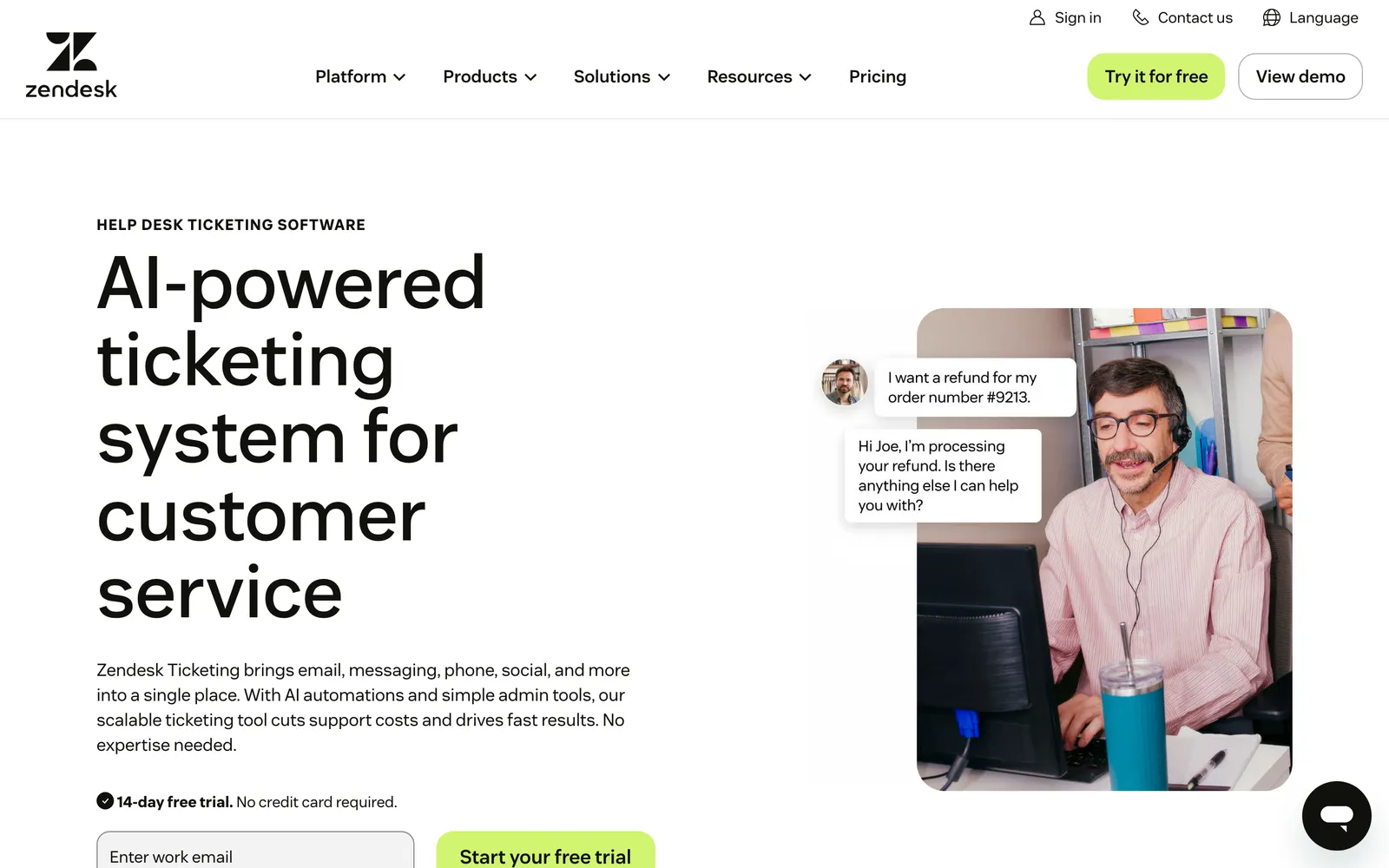
Zendesk describes it as bringing email, messaging, phone, social and more into a single place, and its channel documentation says that regardless of the channel, all requests become tickets that agents manage in Zendesk.
Zendesk sells this ticketing in two plan families, Support and Suite (see Zendesk pricing); our Zendesk products guide covers plans and products. The same ticketing also serves employee support; this guide covers the customer side for an online store.
How does each channel become a Zendesk ticket?
Each channel creates a ticket in its own way, but the result is the same record. The channel only changes what the first comment looks like and what the ticket’s Via attribute shows. Per Zendesk’s channel documentation, these are the routes in:
| Channel | How it becomes a ticket | What lands on the ticket | Store example |
|---|---|---|---|
| Mail to your support address, or an external address forwarded in, becomes a ticket | Subject line becomes the Subject, body becomes the Description | ”Where is my order?” | |
| Help centre web form | The customer submits the form in your help centre | The submitted request | A return request with the order number typed in |
| Web and mobile messaging | Messaging through the Web Widget, kept across sessions and devices | The full conversation history | A sizing question asked on the product page |
| Social messaging | Messages to your social channels become tickets; agent replies appear in the customer’s app | The customer’s messages | A damaged-item photo sent by Instagram DM |
| Live chat | The chat session becomes a ticket | The chat session, which agents can update after it ends | A shipping question during checkout |
| Text (SMS) | Every inbound text creates a ticket | The text | A delivery-day reply |
| Voice | Calls are recorded and added to tickets; voicemails become tickets | The call recording; voicemails also carry a transcription | A voicemail about a missing parcel |
| API and apps | A developer, a Marketplace app or your own workflow creates it; Via shows “web service” | Whatever the integration sends | An order alert pushed in by an integration |
| Closed ticket | A reply to a closed ticket creates a follow-up ticket, with the channel “Closed Ticket” | A link back to the old ticket | A customer replying weeks later to a closed refund case |
The last row matters for stores. A reply to a closed ticket does not reopen it: Zendesk creates a follow-up instead, so a closed refund case stays intact. For the email route in general, see our guide to email tickets.
What does a Zendesk ticket hold?
A Zendesk ticket holds people (requester, assignee or group, CCs and followers), classification (status, type, priority, tags, custom fields) and content (subject, description, public replies, internal notes), plus the Via channel. No standard field is an order.
| Part | What it holds | Zendesk rule | On a store ticket |
|---|---|---|---|
| Requester | The person who made the request | Every ticket requires one | The customer; see ticket requester |
| Assignee and group | A group or one specific agent | The assignee can be either | The returns group, or the agent who owns the case |
| CCs and followers | People kept in the loop | Followers are invisible to end users, CCs are not | A colleague watching a complaint |
| Status | New, Open, Pending, On-hold, Solved, Closed | Zendesk documents Closed as set by business rules, not by hand (ticket fields) | Where the conversation stands |
| Type | Question, Incident, Problem, Task | Once set, Zendesk documents no way back to blank (ticket fields) | A damaged-item claim as an Incident |
| Priority | Low, Normal, High, Urgent | Optional | An Urgent flag on a missed delivery date |
| Tags | Labels used in the ticket workflow | Added manually, by rules, or inherited | Labels such as a product line |
| Subject | One line | Required, up to 150 characters (ticket fields) | The email subject line |
| Description | The first comment | Required | The email body |
| Comments | Public replies and internal notes | Zendesk documents a comment as permanent once added (adding comments) | See internal note |
| Custom fields | Extra information you define | Zendesk’s own example is an order number (routing options) | A text field someone fills in; see custom fields |
| Via | The channel the ticket came from | Set by Zendesk | Email, messaging, web service |
Here is the point the rest of this guide depends on. The Zendesk API lists the ticket’s properties, and none is an order. The nearest are custom fields and an external_id, described as an id you can use to link tickets to local records. An order number on a ticket is a string that someone typed or an app filled. For the generic concept, see our support ticket guide.
How does a Zendesk ticket move through the agent workspace?
A ticket arrives, rules fire, it is routed, worked, held while it waits, solved and then closed. Each building block has its own guide, so here each gets one clause.
- Arrives. The ticket gets a requester, subject and description from its channel.
- Rules fire. Triggers run immediately after a ticket is created or updated, for things like an automatic reply.
- Routing and queue. Omnichannel routing assigns tickets by agent availability and capacity, and views group them into lists by criteria.
- Work. The Agent Workspace is one ticket interface across channels, with customer context, apps and the Knowledge panel in a context panel on the right. Agents use macros, internal notes and side conversations, opened from that panel, and Zendesk SLA targets apply to the ticket.
- Wait. Pending waits on the customer; On-hold waits on a third party.
- Solve, then close. Business rules such as Zendesk automations close solved tickets later.
- After close. The ticket can no longer be modified; a customer reply creates a follow-up.
For Zendesk’s built-in AI layer, see our guides to Zendesk Copilot and the Zendesk chatbot.
Zendesk’s own Agent Workspace example is a refund question: the agent replies by chat, ends the chat, then looks up the refund reference number and emails it. The ticket keeps the conversation. The refund lookup happens somewhere else.
What does the Zendesk ticketing system do well for an online store?
It keeps one record per conversation across every channel, moves tickets with rules nobody has to touch, keeps the queue honest with routing and SLAs, and leaves a history your team can trust. For a store with several channels that is real value. Zendesk is a proven ticketing foundation trusted by big teams.
Three strengths show up on store tickets. A customer who emails and then messages stays one thread. Pending and On-hold make waiting on a customer or a carrier visible. And follow-up tickets keep a closed refund case intact instead of reopening it.
Where does the Zendesk ticketing system stop for a store?
It tracks the conversation, not the order. The ticket records who asked, what status the conversation is in and who owns it. The order itself sits in another system.
The evidence is Zendesk’s own. The API lists no order among a ticket’s properties. Zendesk’s own example for order data is a custom field such as order number, and the Agent Workspace has a context panel that holds apps. In its refund example, the agent leaves the conversation to find the reference number.
For a store, that has practical consequences:
- On-hold records that you are waiting on a third party; Zendesk documents no link from that status to the warehouse or carrier.
- A view organises tickets into lists by the criteria you set; it sorts the queue, it does not look up the order.
- A macro applies a prepared response or action by hand; the wording of a reply does not itself issue a refund.
- Solved is a status on the ticket; the order itself is a separate record elsewhere.
Our view: Zendesk doesn’t think in orders, returns or subscriptions. It wasn’t built to. That is not a flaw in ticketing, it is the reason the AI layer matters. For the wider choice of tool, our ticketing system guide compares what a store should look for.
Where does Engaige fit?
Engaige (that’s us) isn’t a ticketing system, and it doesn’t replace one. It is the e-commerce-native AI support agent that works inside the Zendesk you already run, on your existing tickets in the agent workspace. Keep your helpdesk. Replace the AI. Behind it is Engaige AI, which learns from your conversations and inputs, configures your support agent and shows which policies it used. MR MARVIS, on Shopify Plus, handles over 120,000 questions a year and resolves over 60% of the conversations it’s involved in.

The division of labour on the ticket is simple. Zendesk keeps capturing, threading and routing it. On the order tickets Engaige supports (WISMO, refunds and returns, cancellations and address changes, subscription changes, product advice), the action happens in the connected system first. Then Engaige replies and closes the ticket in Zendesk, under your policies. The rest goes to your team.
| Job on the ticket | Zendesk | Engaige | Your team |
|---|---|---|---|
| Capture and thread the request | Yes | ||
| Route and queue | Yes | ||
| Do the order action, such as a refund or resend | In the connected system, under policy | ||
| Reply to the customer | Yes | ||
| Close the ticket it resolved | Yes | ||
| Exceptions and hand-backs | Yes |
Engaige is live in Agent Assist in hours, or you launch autonomous from day one. In Agent Assist the agent drafts replies and suggested actions for your team inside your helpdesk. Engaige AI learns from the difference between what your team said and what the agent suggested, under your supervision: you approve the changes.
Ticket types go autonomous one at a time, most brands in about a week. Engaige automates up to 90% of supported tickets. Otrium has 60% of 120,000 annual tickets resolved end to end.
With Engaige, we are able to automatically resolve 60% of the 120,000 support tickets that we receive annually.

See how it works in the workspace on our Zendesk integration page, or read how Zendesk’s own AI and Engaige compare on our Zendesk comparison. For the jobs themselves, see WISMO and refunds.
Frequently asked questions
What is the Zendesk ticketing system?
The ticketing system is the part of Zendesk that turns every customer request, on any channel, into one ticket with a requester, a status, fields and a thread of comments.
Which channels create tickets in Zendesk?
Email, the help centre web form, web and mobile messaging, social messaging, live chat, text, voice, the API and apps. A reply to a closed ticket also creates a new one, with the channel “Closed Ticket”.
What fields does a Zendesk ticket have?
Requester, assignee and group, CCs and followers, status, type, priority, tags, subject, description, comments and custom fields, plus the Via channel. Subject and requester are required.
What happens when a customer replies to a closed Zendesk ticket?
The ticket is not reopened. Zendesk creates a follow-up ticket linked to the old one, so the closed case stays as it was.
Can a Zendesk ticket show order information?
Zendesk’s ticket properties include no order. Its own example for order data is a custom field such as order number, a value someone types or an app fills.
Do I have to replace Zendesk to automate order tickets?
No. Engaige works inside your Zendesk agent workspace on your existing tickets: keep your helpdesk, replace the AI. There is no migration.
What does Engaige do on a Zendesk ticket?
On the order tickets it supports, Engaige does the action in the connected system first, then replies and closes the ticket in Zendesk. Anything outside what your policies allow goes to your team.